
【#VRoid 10色 スタンプ同梱!】カスタマイザブル バンテージ customizable bandage
- ダウンロード商品Standard Ver.¥ 300
- ダウンロード商品Boost ver. (内容は同一・組み込み可)¥ 600
- ダウンロード商品Corporate Ver.(企業向け)¥ 900
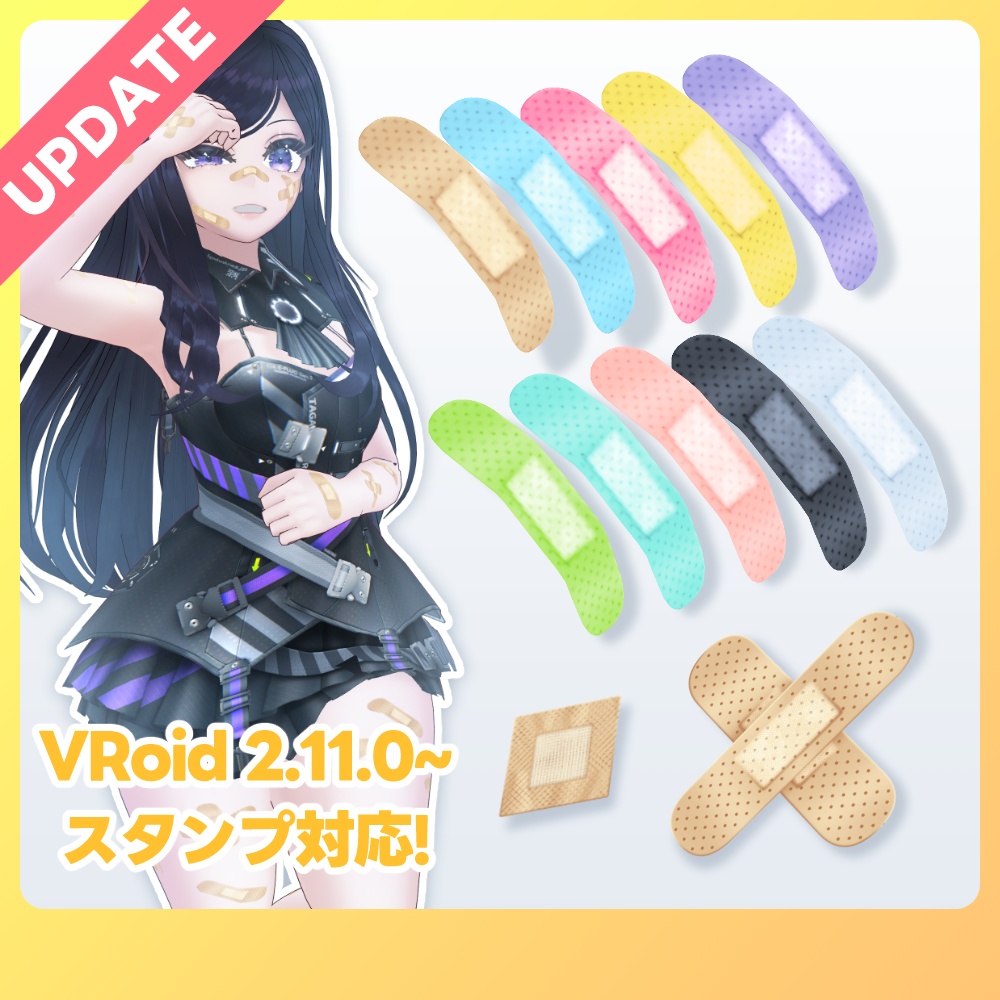
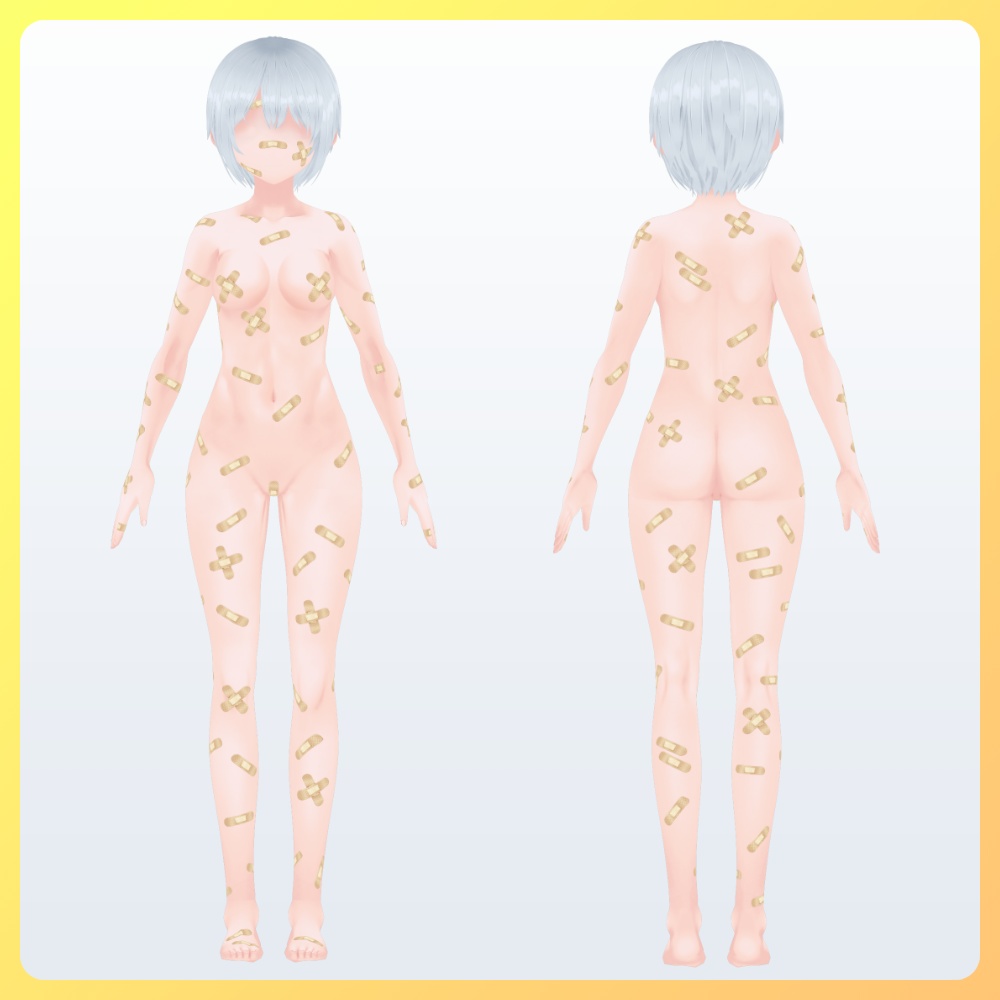
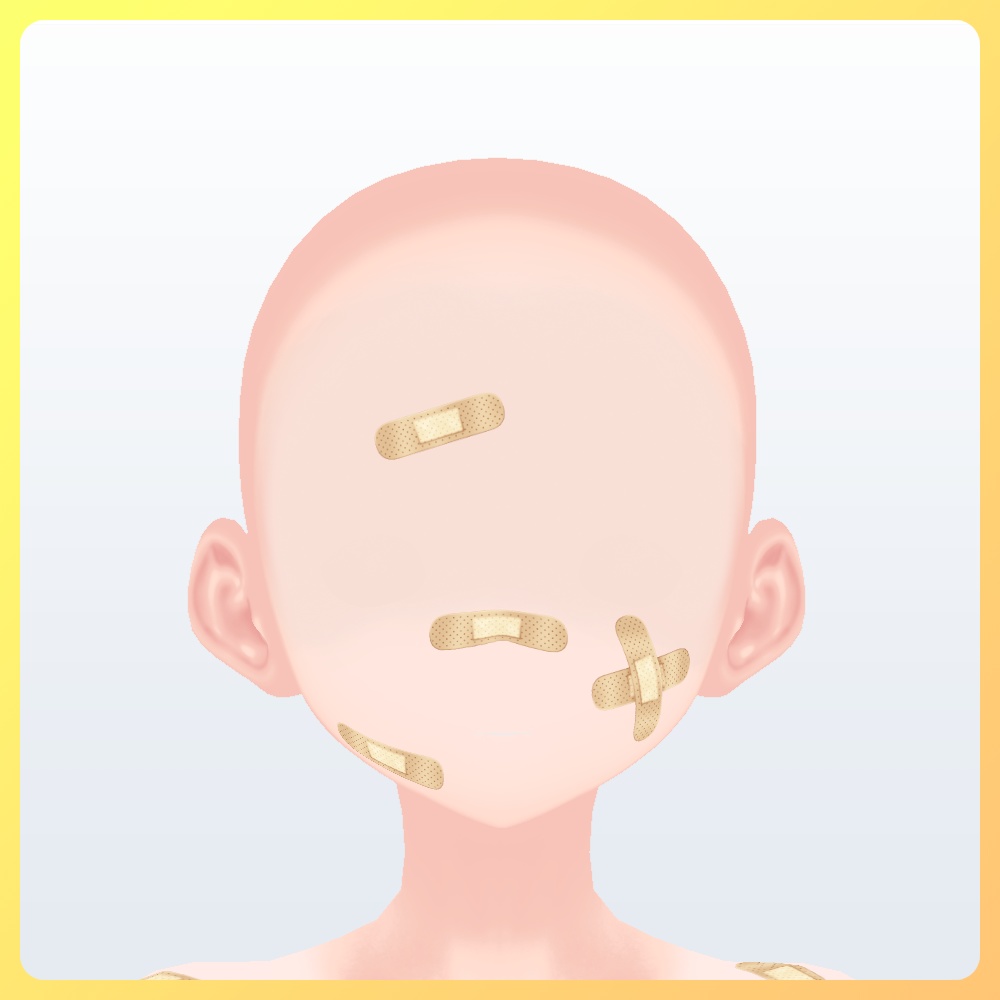
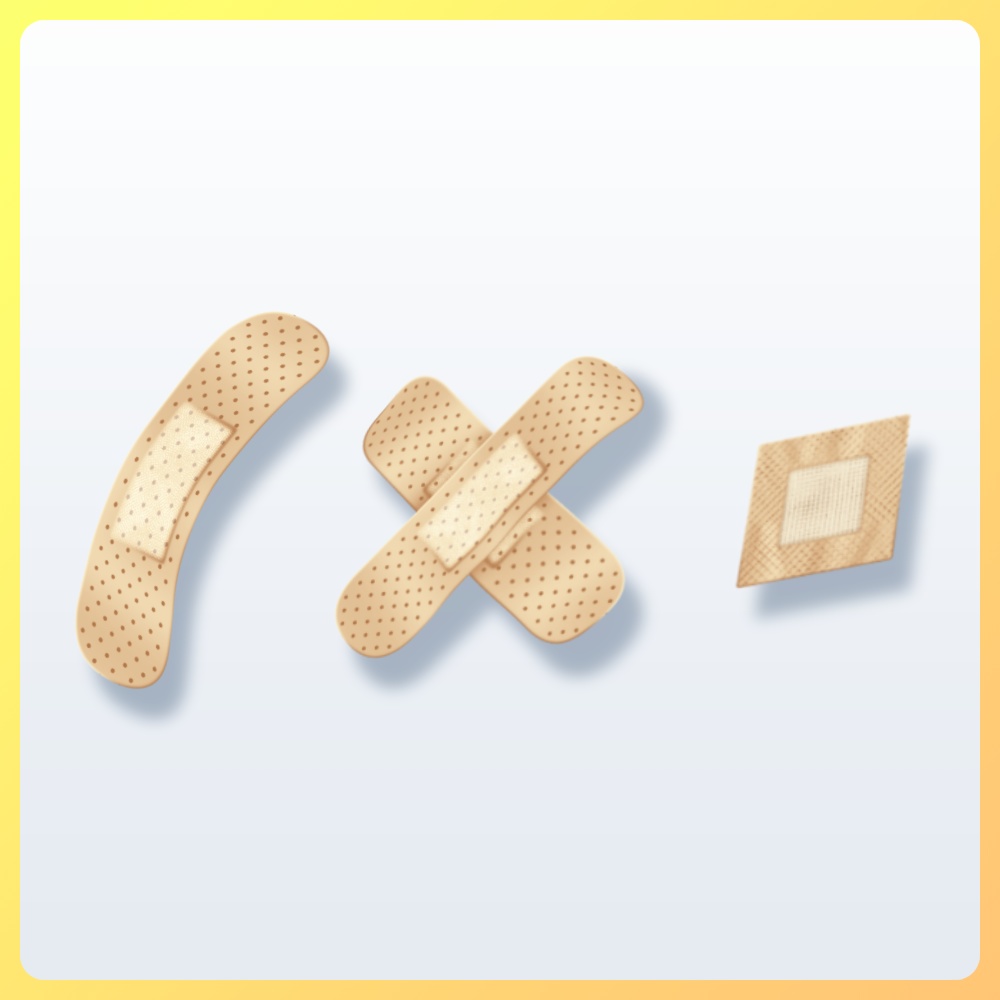
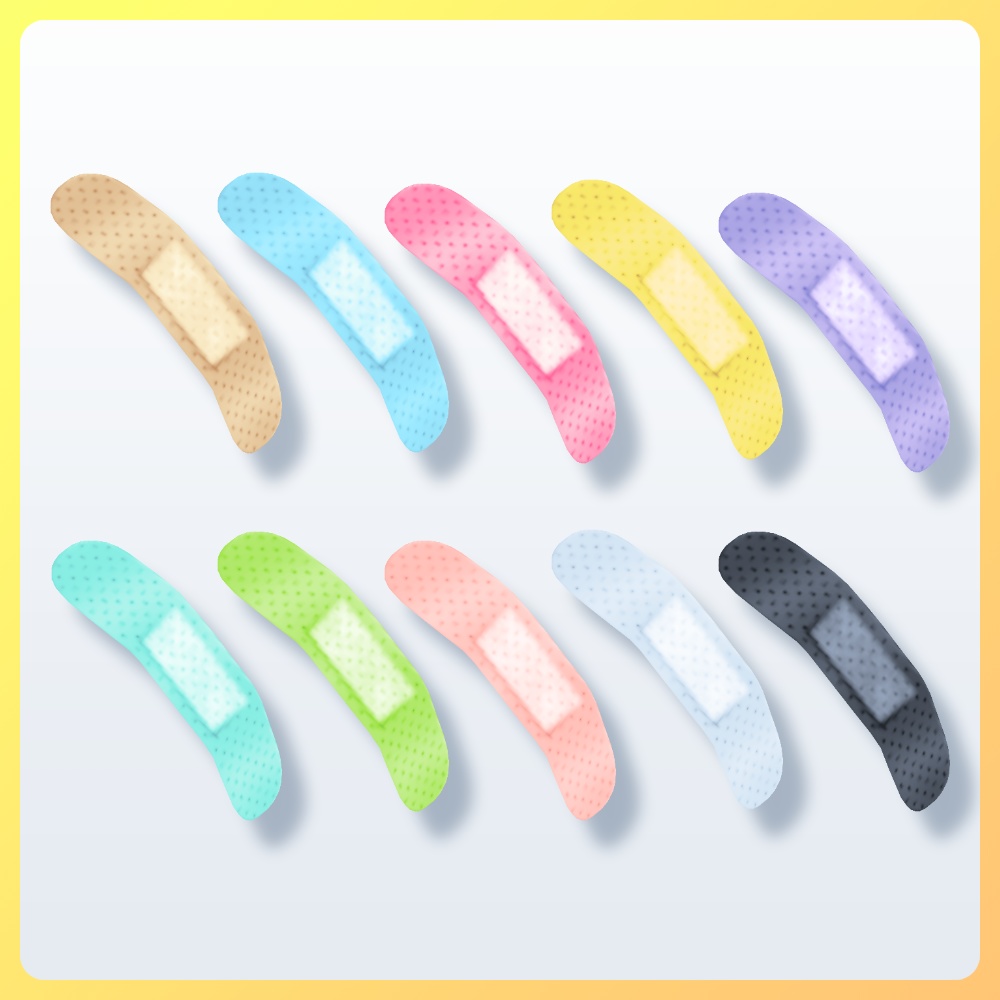
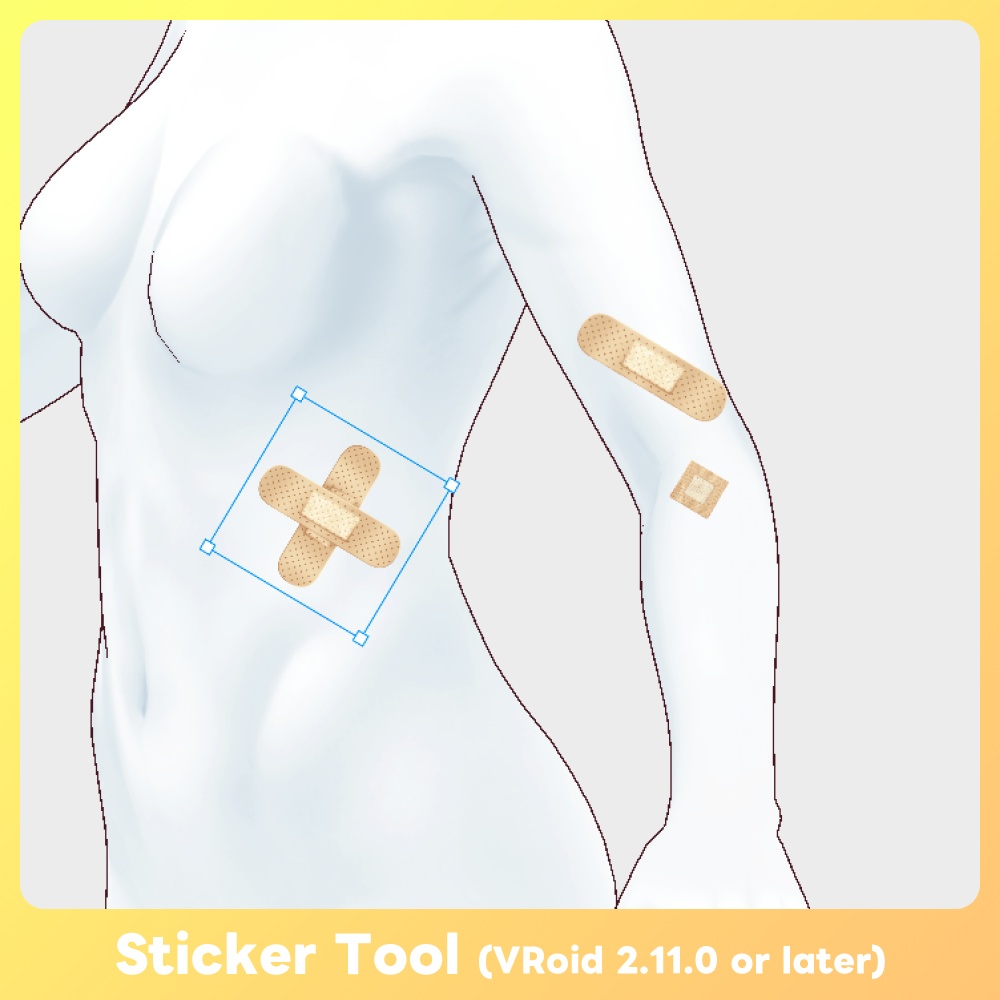
満身創痍な身体を自分好みにカスタマイズできる他力本願仕様の絆創膏をご用意しました🩹 両腕には採血や注射後に貼り付けられるパッドも配置! どの角度から綺麗に見えるように歪みを取って貼り付けられています! 2026/02/27 追記: VRoid 2.11.0にてリリースされたスタンプ機能向けのテクスチャを同梱!従来より位置やサイズをより細かく調整できるようになりました! ◆更新履歴 26/02/27 -1.1.0 VRoid Studio v2.11.0以降で利用できるスタンプツール向けテクスチャを追加 ◆バリエーションについて Standard Ver. →通常の商品です 個人による画像や動画の投稿、配信・VRプラットフォームでの活動などに利用できます。私的・営利利用が可能です。 Boost Ver. →内容が同一の支援バージョンです 可能であれば応援していただけると励みになります✨️ また、アプリ・ゲーム等への組み込みが可能となります。 ※個人によるソフト・ゲーム等への組み込みに利用する場合はこちらをご購入ください。必ず規約にある利用条件をご確認ください。 Corporate Ver. →全てのバリエーションが同梱された、法人などの企業や団体で利用できるバージョンです。 ※企業や団体などの組織内での使用や共有および組み込み用途で利用する場合は、こちらをご購入ください。また、利用事例の報告義務はありませんが、どのように活用いただけるか教えていただけると嬉しいです。 ◆内容 ※モデルは付属しません ・[Face]bandage.vroidcustomitem(フェイスペイント) ・スタンプ機能向けテクスチャ x10 ・素体用テクスチャ20枚 ※肌(体)用のカスタムアイテムはないので手動で読み込んでください ◆使用方法 [VRoid Studio] 顔 →カスタムアイテムインポートより.vroidcustomitemファイルを読み込んでください 体 →同梱のテクスチャを体型→全身にて任意の肌の上に手動で読み込んでください [テクスチャを手動で設定する場合] フェイスペイントまたは体型へテクスチャを読み込んでください 絆創膏の数を減らしたい場合、インポート・読み込み後にテクスチャ編集にて任意の場所を消しゴムツールで削ってください。 [スタンプ機能 VRoid v2.11.0~] テクスチャ編集画面にてスタンプアイコンツールを選択し、同梱のテクスチャを読み込んでください。 その後、位置や角度を調整し配置してください。 スタンプツールの使い方 - VRoid https://vroid.pixiv.help/hc/ja/articles/55426007561113-%E3%82%B9%E3%82%BF%E3%83%B3%E3%83%97%E3%83%84%E3%83%BC%E3%83%AB%E3%81%AE%E4%BD%BF%E3%81%84%E6%96%B9 ◆customizable bandage for VRoid Studio A texture for applying a large number of band-aids to the skin. I got carried away and applied too many, so please use an eraser to adjust according to the condition of the wound. 2026/02/27 Update‼️ Now includes textures for the Sticker Tool released in VRoid 2.11.0! You can adjust the position and size more precisely than before. The contents of Boost ver. are the same as those of Standard ver. It would be a great encouragement to purchase the Boost edition. Please support us✨️ The skin used in the images is also available for purchase, so feel free to mix and match! 【 #VRoid 4colors+changeable】Fetish and Detailed skin textures ➡ https://faindustries.booth.pm/items/5148719 ◆Update History February 27, 2026 - v1.1.0 :Added textures for the Sticker Tool, available in VRoid Studio v2.11.0 and later. ◆About Variations Standard Ver. → This is the regular product. Boost Ver. → This is a support version with identical content. Your support would be greatly appreciated if possible! ✨️ Please purchase this version if you are an individual using it for embedding in software, games, etc. Corporate Ver. → This version includes all variations and is intended for use within corporations or organizations. If you plan to use, share, or embed it within a company, organization, or similar entity, please purchase this version. ◆What's included Model is not included ・[Face]bandage.vroidcustomitem(Face Painnt) ・Textures x 20 There is no customitem available for the skin (whole body), so please load it manually. ・Stcker Tool (VRoid v2.11.0~) Textures x10 ◆How to use If you want to reduce the number of bandages, please erase the desired areas using the eraser tool after importing and loading the texture. [VRoid Studio] Face(Face Paint) →From inport custom item, select .vroidcustomitem file and import it Body →Body -> Whole Body Load textures into [To set the texture manually] Load the texture into either "Face Paint" or "Whole Body" [When using the Sticker Tool v2.11.0 or later] In the Edit Texture screen, select the tool icon and load the included texture. Then adjust the position and angle before placing it. How to Use the Sticker Tool - VRoid https://vroid.pixiv.help/hc/en-us/articles/55426007561113-How-to-Use-the-Sticker-Tool
利用規約
購入およびダウンロード前に下記のリンク先にある利用規約をご確認ください。 『F/Aインダストリーズ』配布・販売データに関する利用規約 - pixivFANBOX → https://faindustries.fanbox.cc/posts/3586042
Terms of Use
Please review the Terms of Use available at the following link before purchasing or downloading. [ENG]Terms of Use for "F/A Industries" Distribution and Sales Assets - pixivFANBOX → https://faindustries.fanbox.cc/posts/3863268