【VRoid カスタムアイテム対応!】エレガント シルクハット Elegant Top Hat for VRoid
- ダウンロード商品Standard Ver.(個人向けライセンス)¥ 500
- ダウンロード商品Boost Ver.(内容は同一・個人用組み込みライセンス)¥ 1,000
- ダウンロード商品Corporate Ver.(企業・団体向けライセンス)¥ 2,000
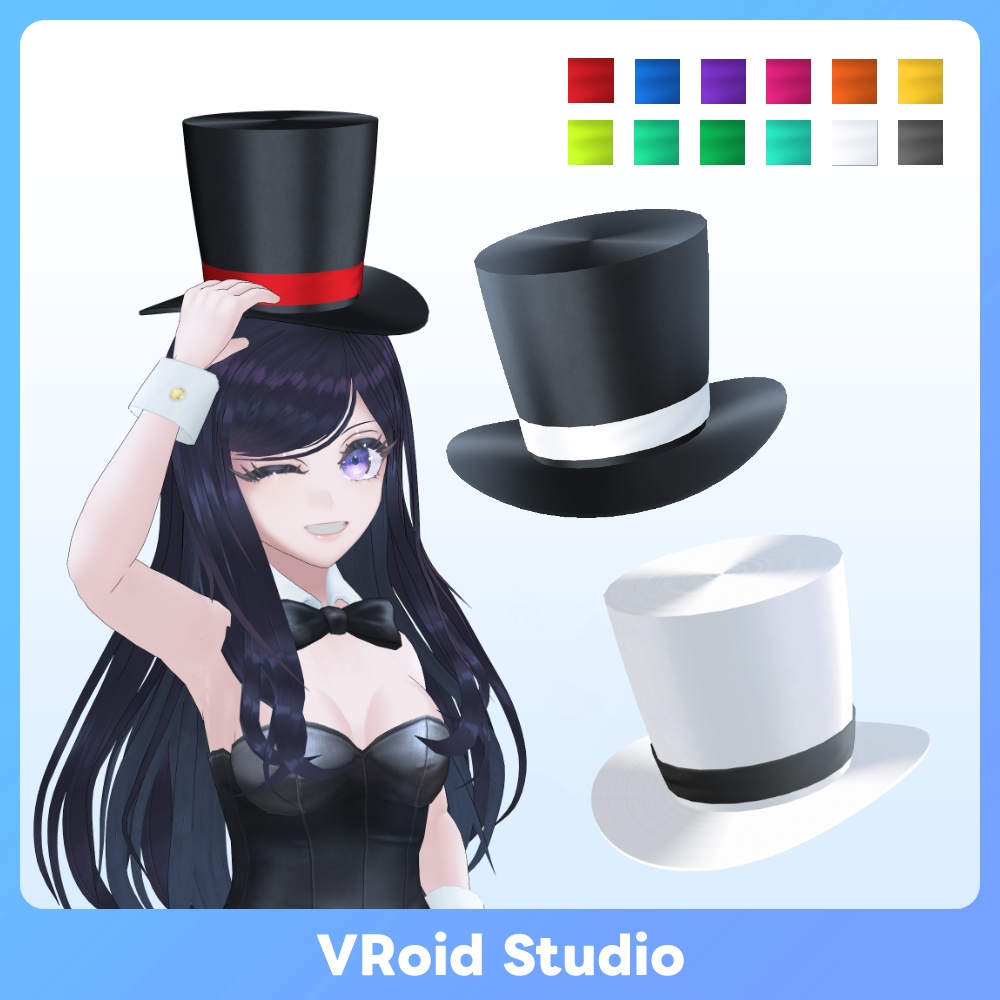
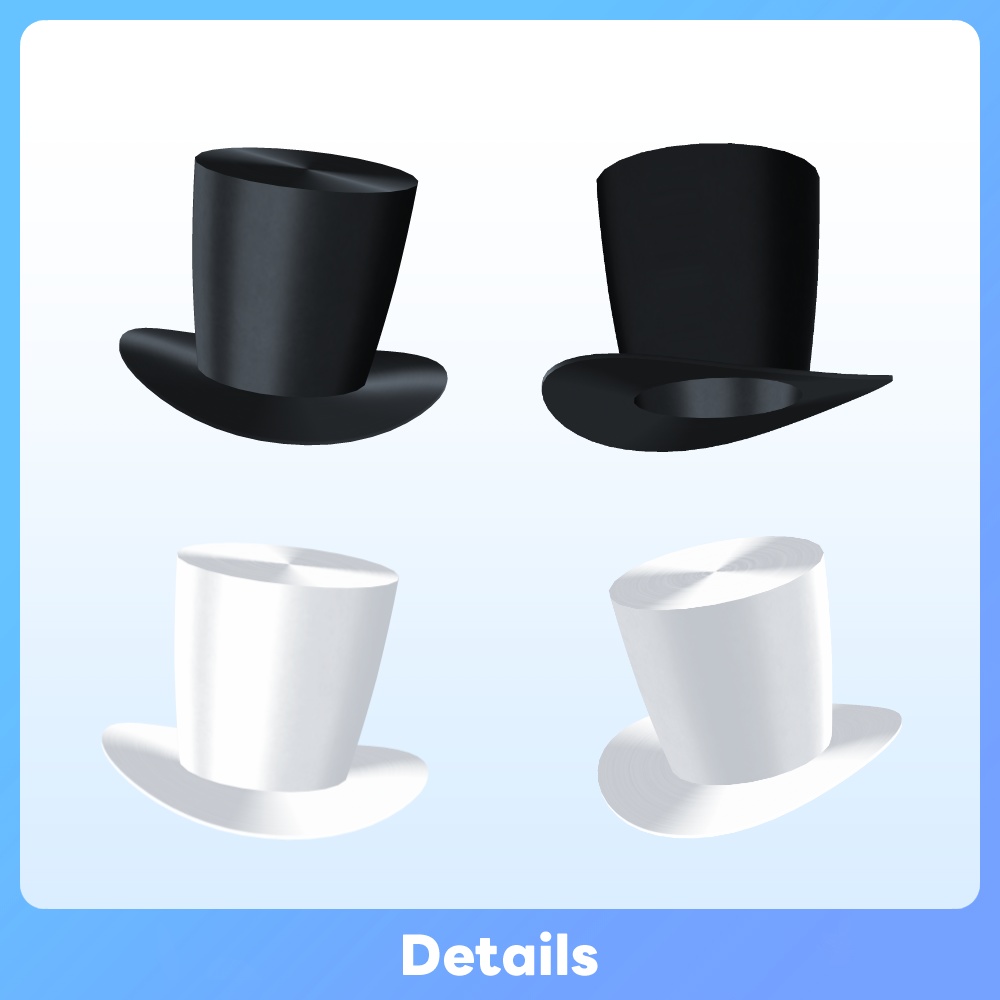
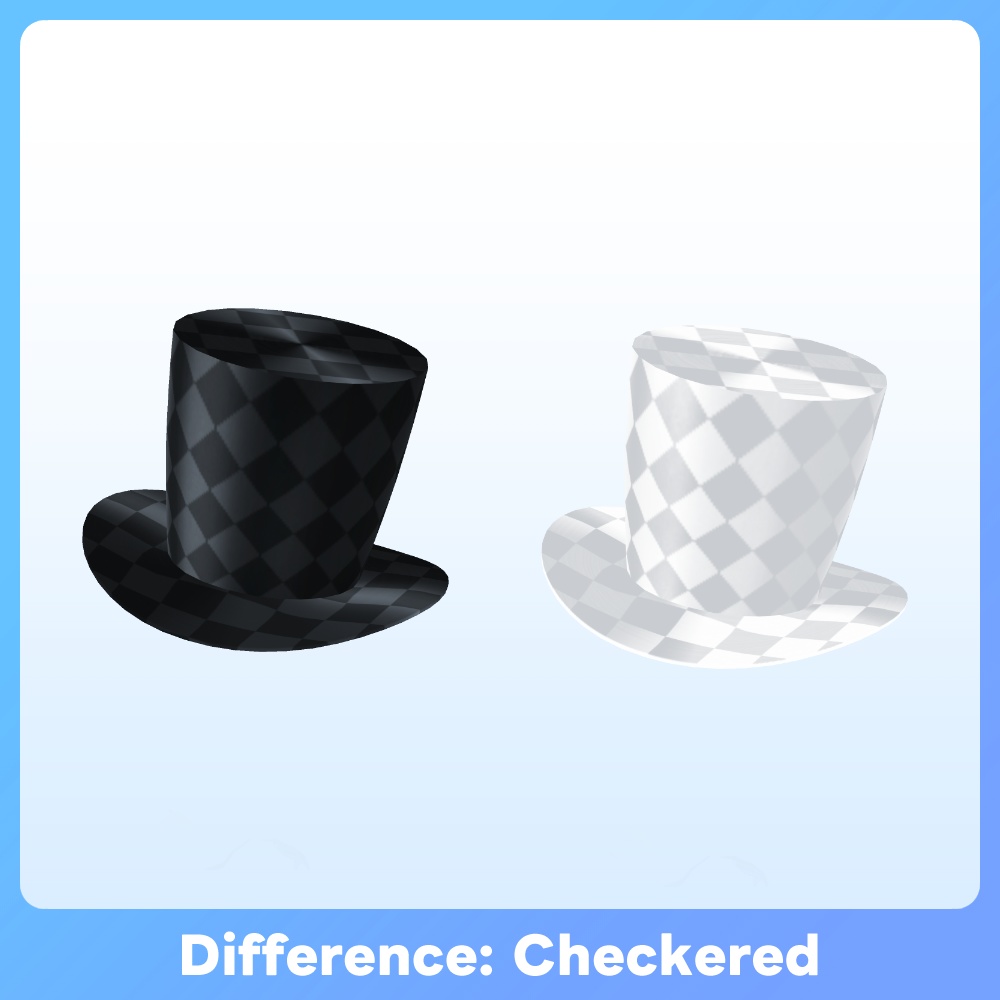
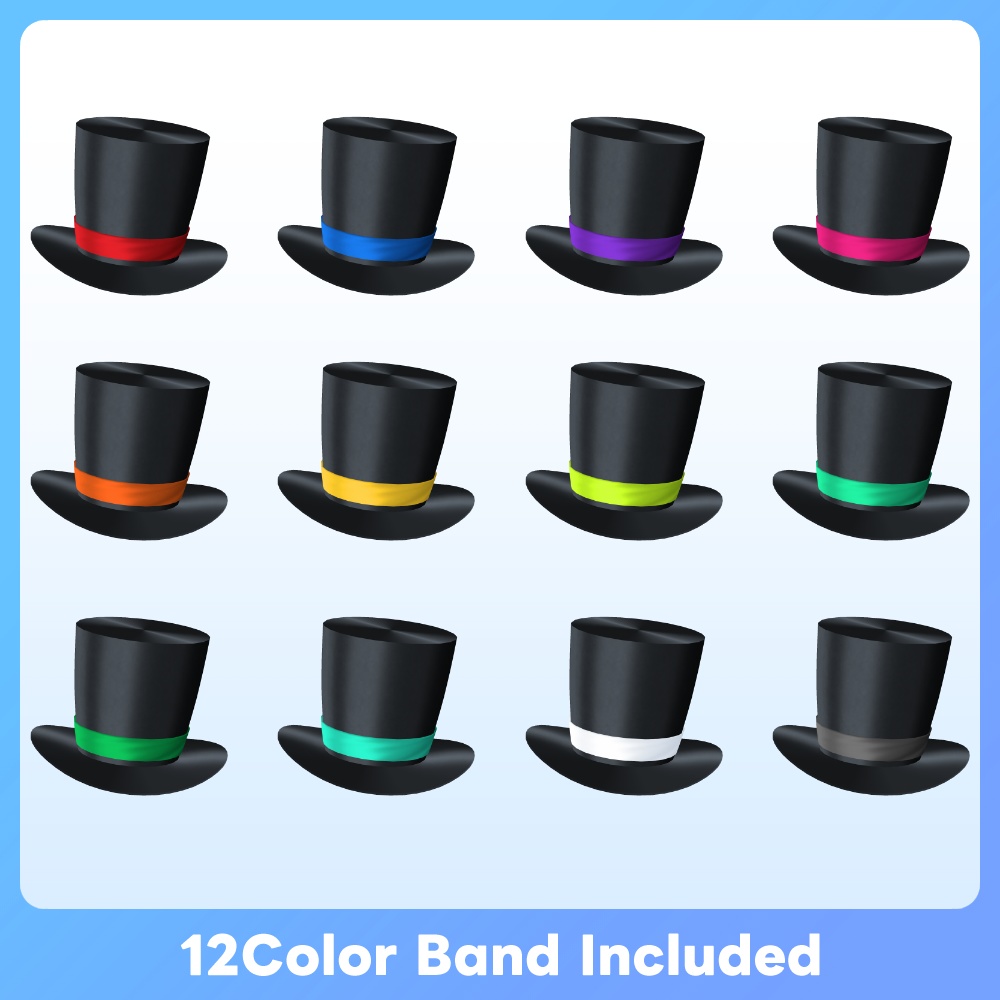
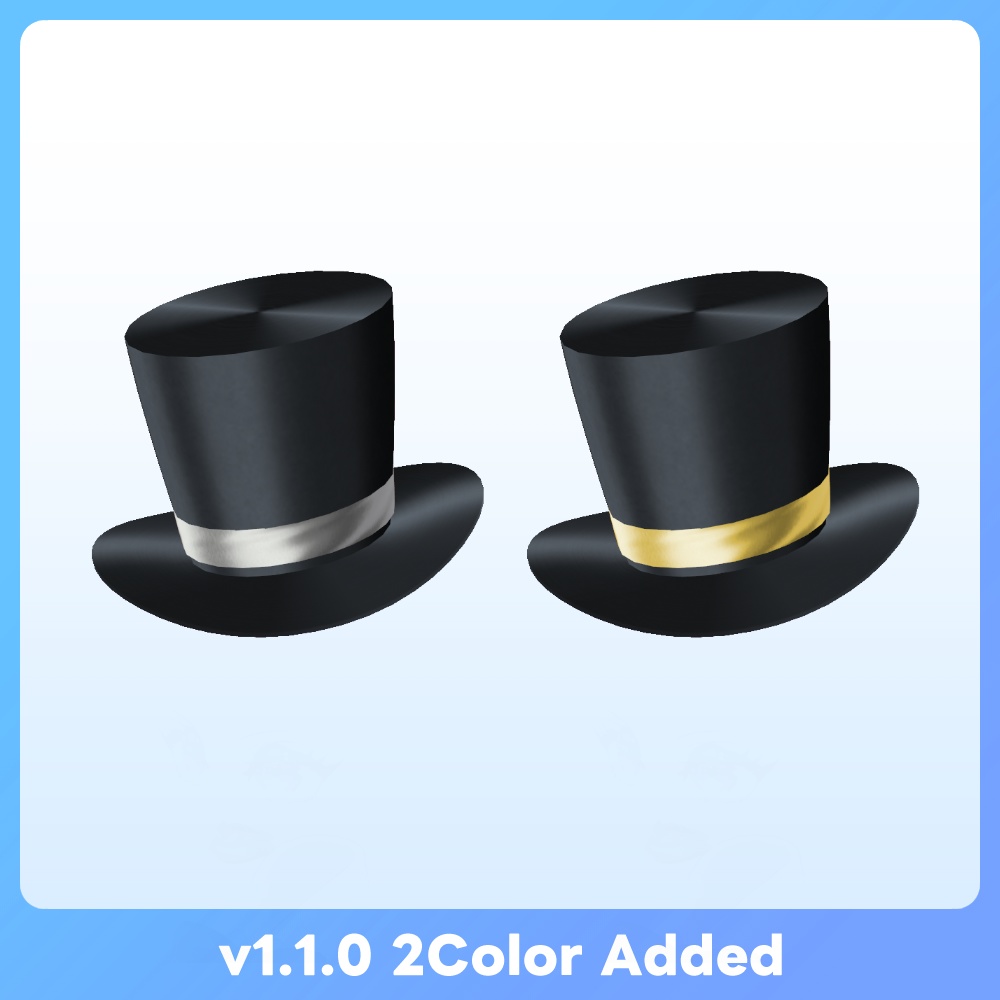
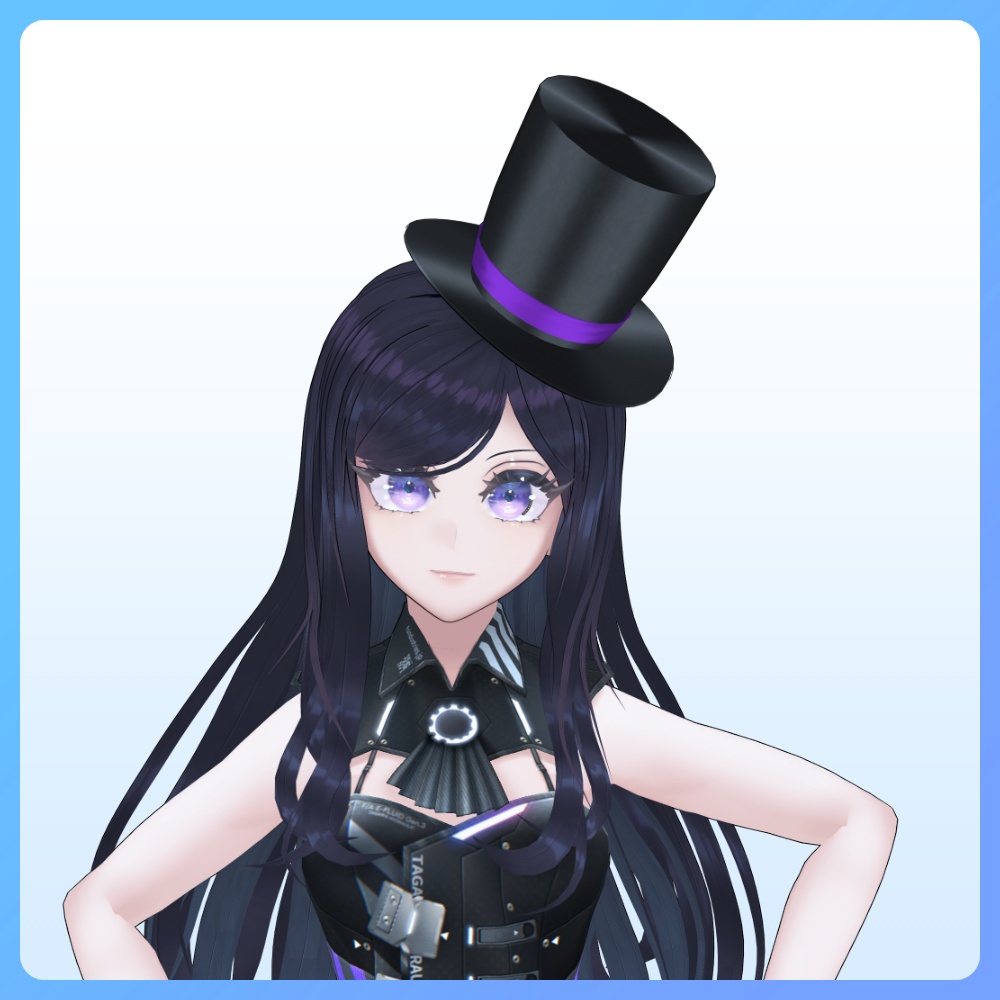
VRoid Studio 2.4.0にて、ついにアクセサリーにシルクハットが実装! ハットの魅力を最大まで引き出せるテクスチャをリリースしました! 質感にこだわったハットはブラック・ホワイト・さらにチェック柄を重ねた4種をラインナップ。 また、ハット下側のバンドは14種のカラー差分を同梱しています! ◆更新履歴 2026.01.30:v1.2.0 VRoidStudioアクセサリーのカスタムアイテム対応に伴い、カスタムアイテムファイルを同梱 ◆バリエーションについて Standard Ver. →通常の商品です 個人による画像や動画の投稿、配信・VRプラットフォームでの活動などに利用できます。私的・営利利用が可能です。 Boost Ver. →内容が同一の支援バージョンです 可能であれば応援していただけると励みになります✨️ また、アプリ・ゲーム等への組み込みが可能となります。 ※個人によるソフト・ゲーム等への組み込みに利用する場合はこちらをご購入ください。必ず規約にある利用条件をご確認ください。 Corporate Ver. →全てのバリエーションが同梱された、法人などの企業や団体で利用できるバージョンです。 ※企業や団体などの組織内での使用や共有および組み込み用途で利用する場合は、こちらをご購入ください。また、利用事例の報告義務はありませんが、どのように活用いただけるか教えていただけると嬉しいです。 ◆内容 ※カスタムアイテムはVRoid Studioバージョン2.10.0以降に対応 本体テクスチャ x 4 (型紙:シルクハット) ・tophat_black.png ・tophat_black_checkered.png ・tophat_wh.png ・tophat_wh_checkered.png バンド用テクスチャ x14 (型紙:シルクハット) ・band_○.png カスタムアイテム ・Top Hat Black_○.vroidcustomitem ・Top Hat Checkred_BK_○.vroidcustomitem ・Top Hat Checkred_WH_○.vroidcustomitem ・Top Hat White_○.vroidcustomitem ◆使用方法 [VRoid Studio] VRoid ー> アクセサリー "カスタムアイテムをインポート"より同梱のカスタムアイテムを読み込んでください 必要に応じて拡大縮小や回転、移動などを使って位置合わせを行ってください。 [手動で導入する場合] "アクセサリー"タブに移動後、アクセサリーを追加→帽子→シルクハットを選択しアクセサリーを追加してください。 その後、同梱のsettings.png画像を参照しパラメータを設定してください。 必要に応じて拡大縮小や回転、移動などを使って位置合わせを行ってください。 ◆Elegant Top Hat for VRoid At last, VRoid Studio now supports accessories with a Top Hat! We’ve released textures that bring out the Top Hat’s charm to the fullest! This quality-focused hat comes in Black, White, and 4 styles including a checkered pattern overlay. Plus, the lower band includes 14 different color variations! ◆ Update History 2026.01.30:v1.2.0 Added custom item files in response to VRoid Studio(v2.10.0) accessory support for custom items. ◆About Variations Standard Ver. → This is the regular product. Boost Ver. → This is a support version with identical content. Your support would be greatly appreciated if possible! ✨️ Please purchase this version if you are an individual using it for embedding in software, games, etc. Corporate Ver. → This version includes all variations and is intended for use within corporations or organizations. If you plan to use, share, or embed it within a company, organization, or similar entity, please purchase this version. ◆What's included Custom items are supported in VRoid Studio version 2.10.0 or later Top hat Textures x 4 (Template:Top Hat) ・tophat_black.png ・tophat_black_checkered.png ・tophat_wh.png ・tophat_wh_checkered.png Top hat Band Textures x14 (Template:Top Hat) ・band_○.png Customitems (Template:Top Hat) ・Top Hat Black_○.vroidcustomitem ・Top Hat Checkred_BK_○.vroidcustomitem ・Top Hat Checkred_WH_○.vroidcustomitem ・Top Hat White_○.vroidcustomitem ◆How to use [VRoid Studio] Go to VRoid → Accessories, then select “Import Custom Item” and load the included custom item file. Adjust the size, rotation, and position as needed to properly align the item. [If setting manually] After moving to the "Accessories" tab, please select Add an Accessory → Hats → Top Hat to add the accessory. Next, refer to the included settings.png image and adjust the parameters accordingly. If necessary, use scaling, rotation, or movement to fine-tune the positioning.
利用規約
購入およびダウンロード前に下記のリンク先にある利用規約をご確認ください。 『F/Aインダストリーズ』配布・販売データに関する利用規約 - pixivFANBOX → https://faindustries.fanbox.cc/posts/3586042
Terms of Use
Please review the Terms of Use available at the following link before purchasing or downloading. [ENG]Terms of Use for "F/A Industries" Distribution and Sales Assets - pixivFANBOX → https://faindustries.fanbox.cc/posts/3863268